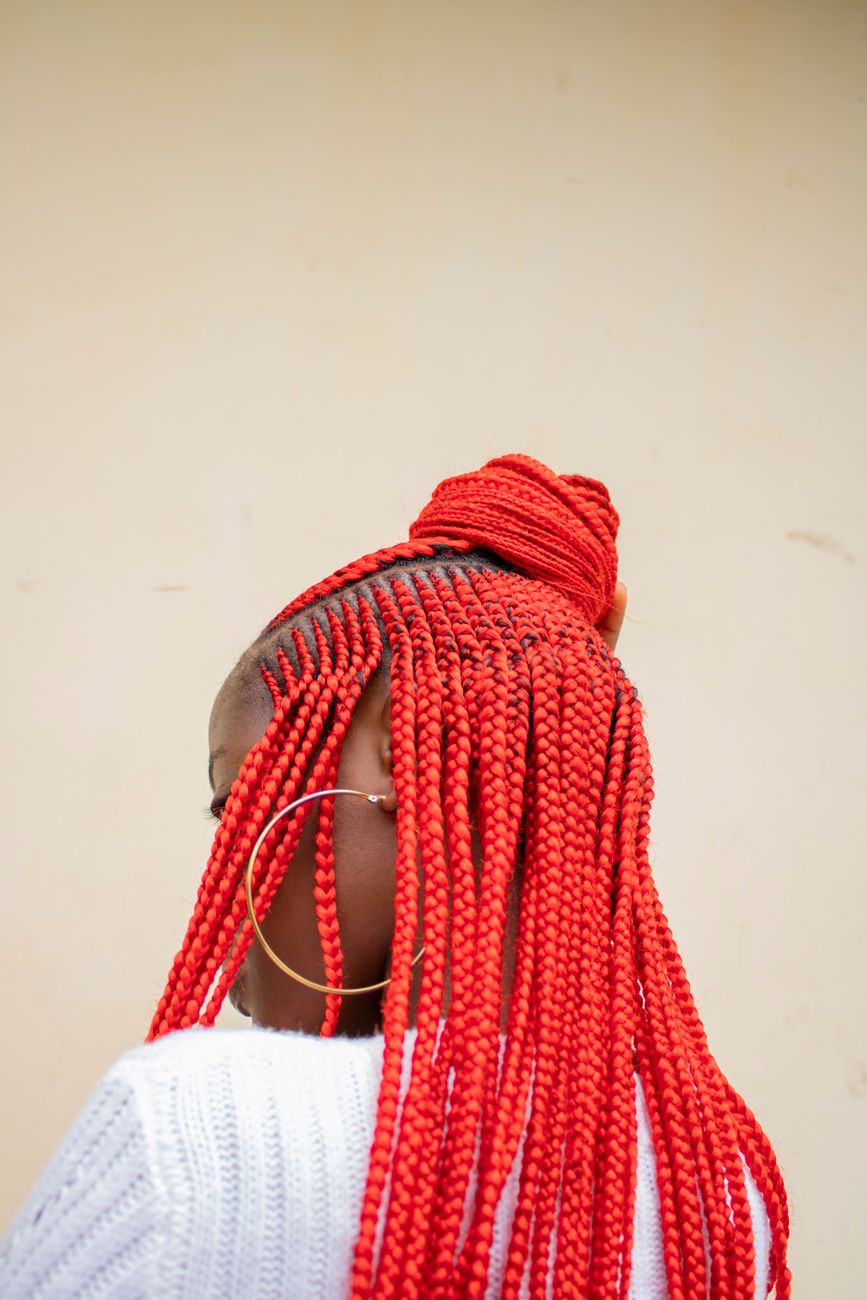
Red Box Braids, Half-Up Bun
- Box Braids
- 5-7 hrs
Swipe · Save · Slay
A photo does not tell you what the style is called, what it costs, how long you will sit for it, what is in the products, or who near you can do it. So the look sits in a camera roll with four hundred others and nothing happens. Here is what happens instead.
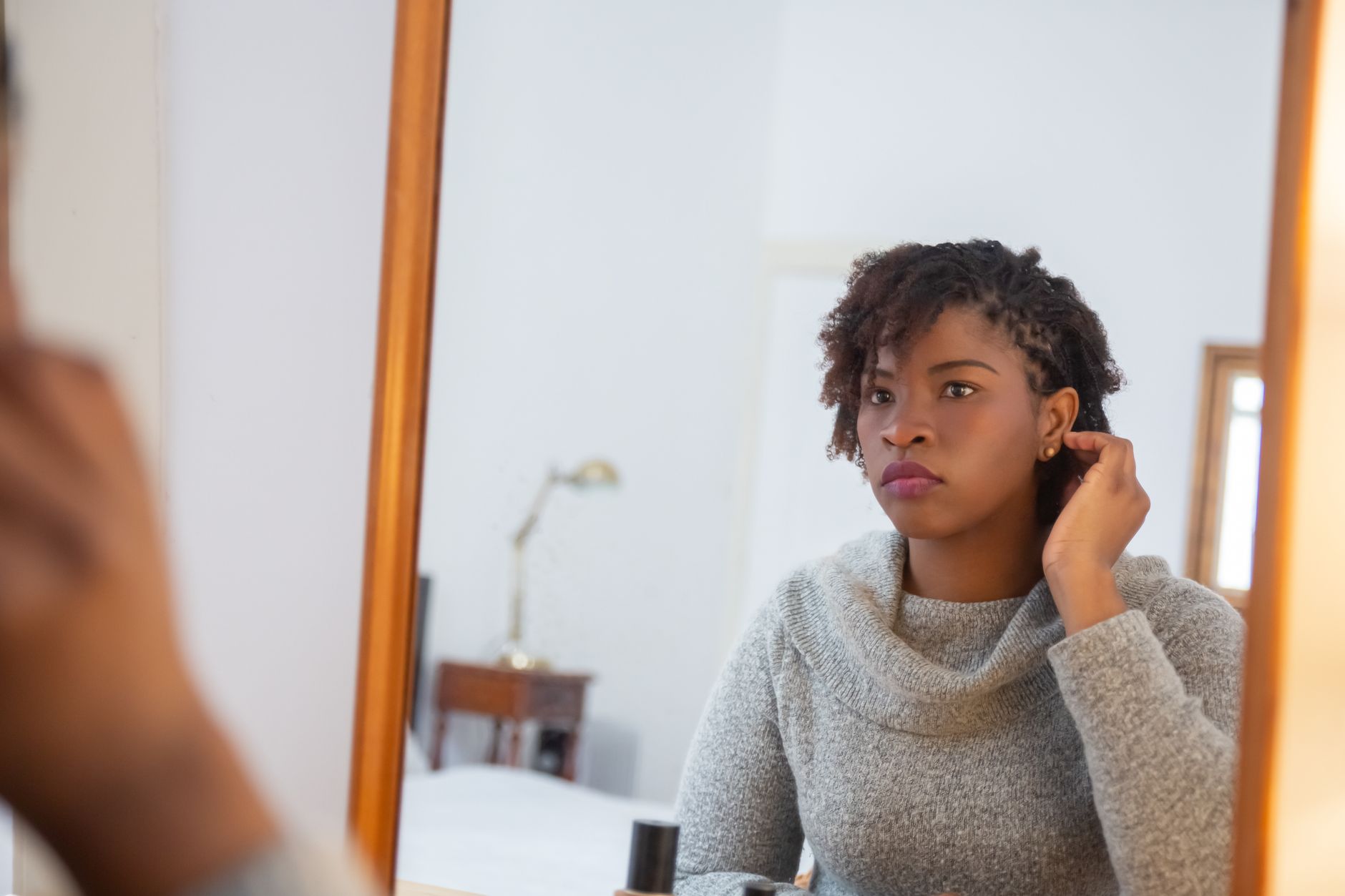
A feed of real hair looks — braids, twists, locs, natural, straightened, color, updos, wigs. Right to save, left to skip.
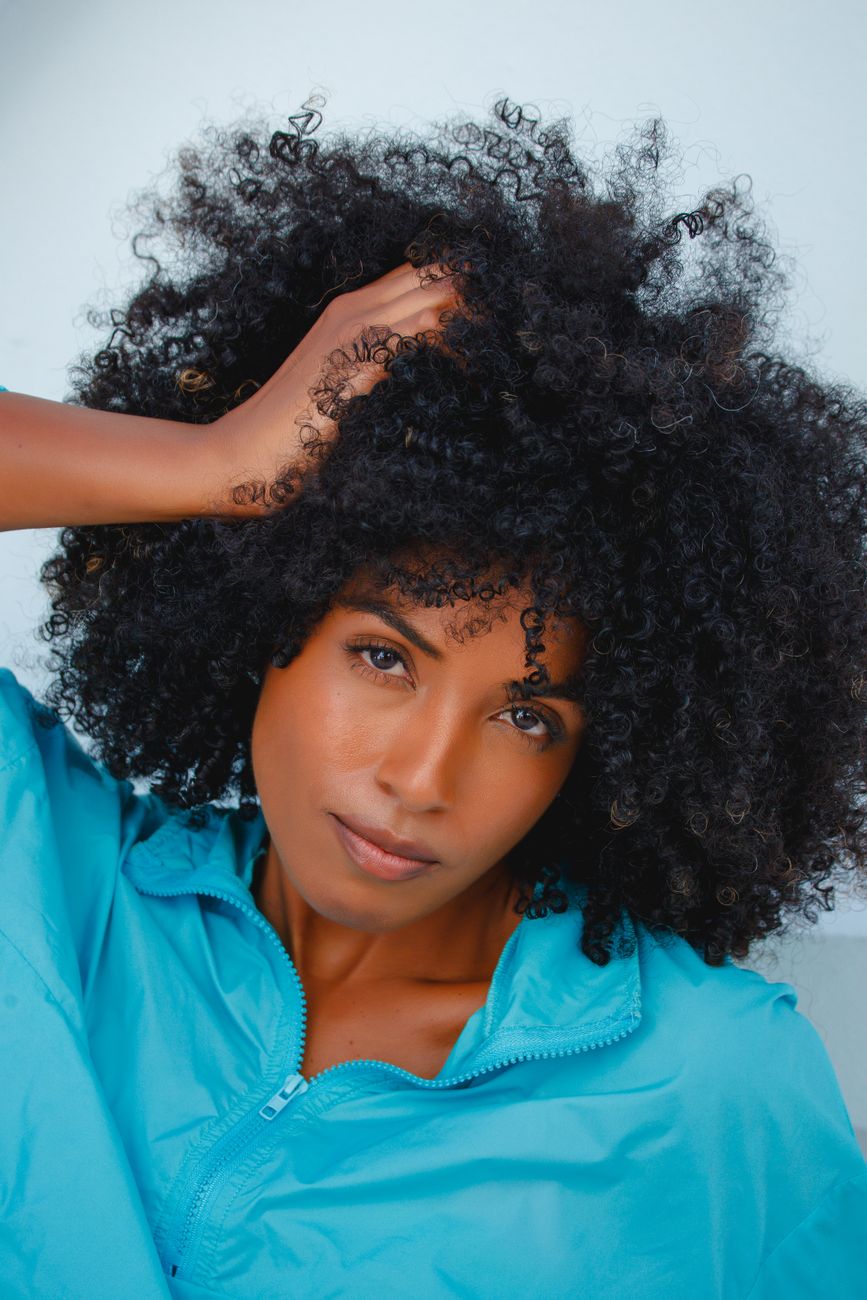
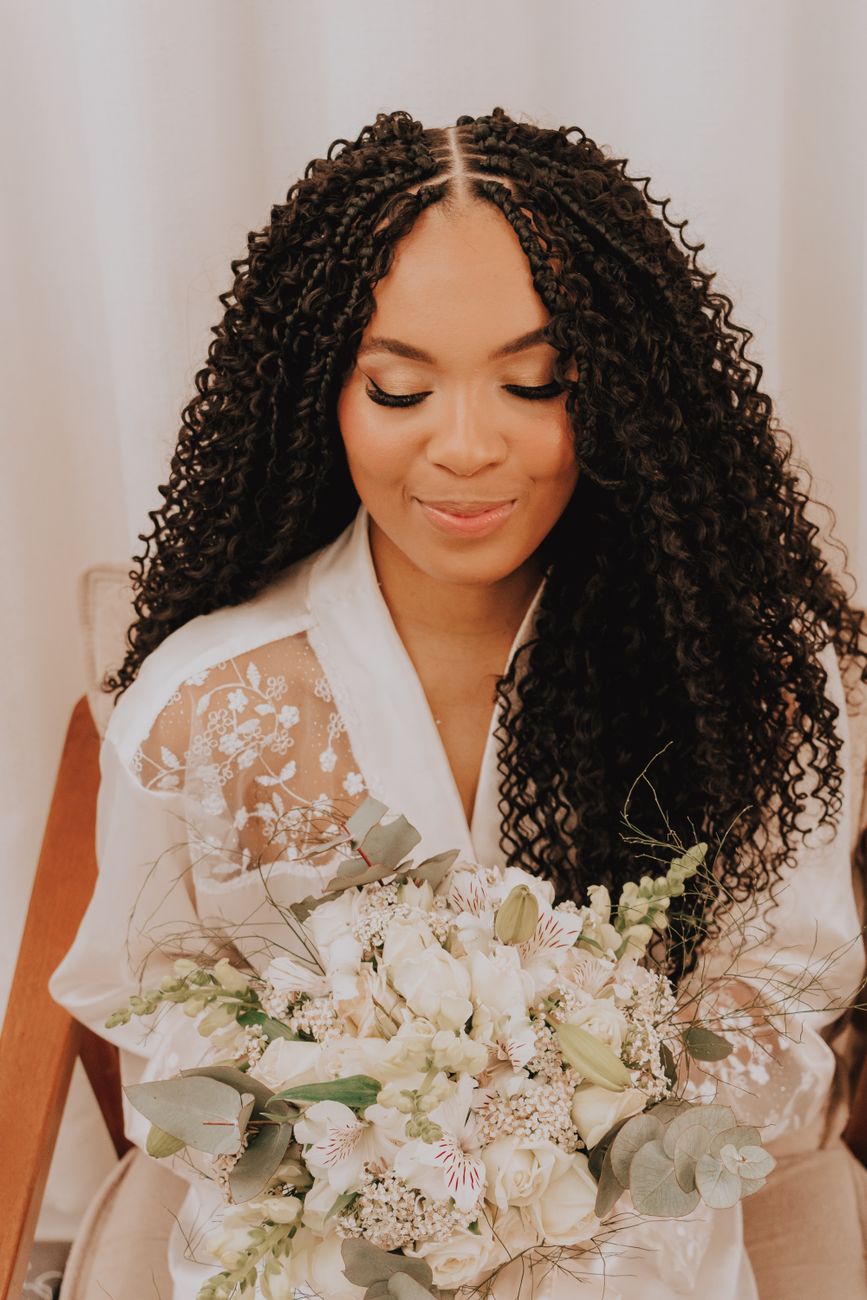
Every card is a real style somebody could walk in and ask for — braids you can name, a twist-out with a method behind it, a silk press with a heat setting.
Each photo is licensed and credited to the photographer who took it — tap the credit and it opens their page.
There are two feeds: For You, and Following — looks posted by people you follow. After your own appointment you can post your look too; a person reviews every look before it goes public.
You can try the feed before signing up. After ten swipes the app asks you to create a free account to keep going.
Everything you keep lands in Saved, sorted into boards for you — rename them however you like.
A saved look is not a screenshot. It carries its breakdown — what the style is actually called, its family, the color if there is one — plus products for the style and, where there is one, the tutorial.
It also carries its clock. Save knotless braids and the app knows they want washing about every two weeks and taking down around week seven, because the style itself knows that.
Shop products for the style, or book a stylist who can do it.
From a saved look you can scan a product label and check it against how you actually wear your hair, see wash days and appointments on one calendar, keep a shelf of what you own, set the reminder the style needs, compare it against the other look you are torn between, and search the directory for someone near you who does it.
Where a stylist has claimed their listing you can hold a slot with a deposit. Everywhere else you get the business's own phone number, and the app says plainly that it has no relationship with them.
The feed
Real looks, each with the breakdown behind it.
And then
Braiders, loctitians and natural-hair stylists near you, in every state.
Track what you own — have it, running low, finished — and re-buy in a tap.
Appointments, wash days and takedowns on one monthly calendar.
Book with a small deposit, get confirmed by your stylist, and know what happens if plans change.
Wash day and takedown, on the schedule your style is really on.
Snap a photo of any label and find out if it suits how you wear your hair.
Two saved looks, side by side, before you commit six hours to one of them.